
Launching a website tends to feel like the finish line. In reality, it’s the starting point of an ongoing job that most businesses quietly stop doing within the first year — and it shows. According to data compiled by Bluehost, roughly 82 percent of the websites currently online are inactive, meaning they generate little to no traffic and haven’t been meaningfully updated or maintained in some time.
A website maintenance checklist helps businesses keep their websites secure, fast, reliable, and optimized throughout the year. Regular maintenance includes software updates, security monitoring, backups, technical SEO reviews, performance optimization, broken link checks, and content updates that protect your digital presence and improve customer experience.
A neglected website doesn’t announce itself as broken. It just slowly falls behind — a plugin goes unpatched, a page still references last year’s promotion, load times creep up, and rankings quietly slide. This is exactly the gap that dedicated website maintenance services are built to close: not a one-time fix, but a recurring routine that catches these small problems before they cost you traffic, leads, or trust.
Here’s the checklist worth running on a recurring basis in 2026, along with the data that explains why each item earns its place on the list.
1. What Is a Website Maintenance Checklist? Patch Software, Plugins, and Platforms on a Schedule
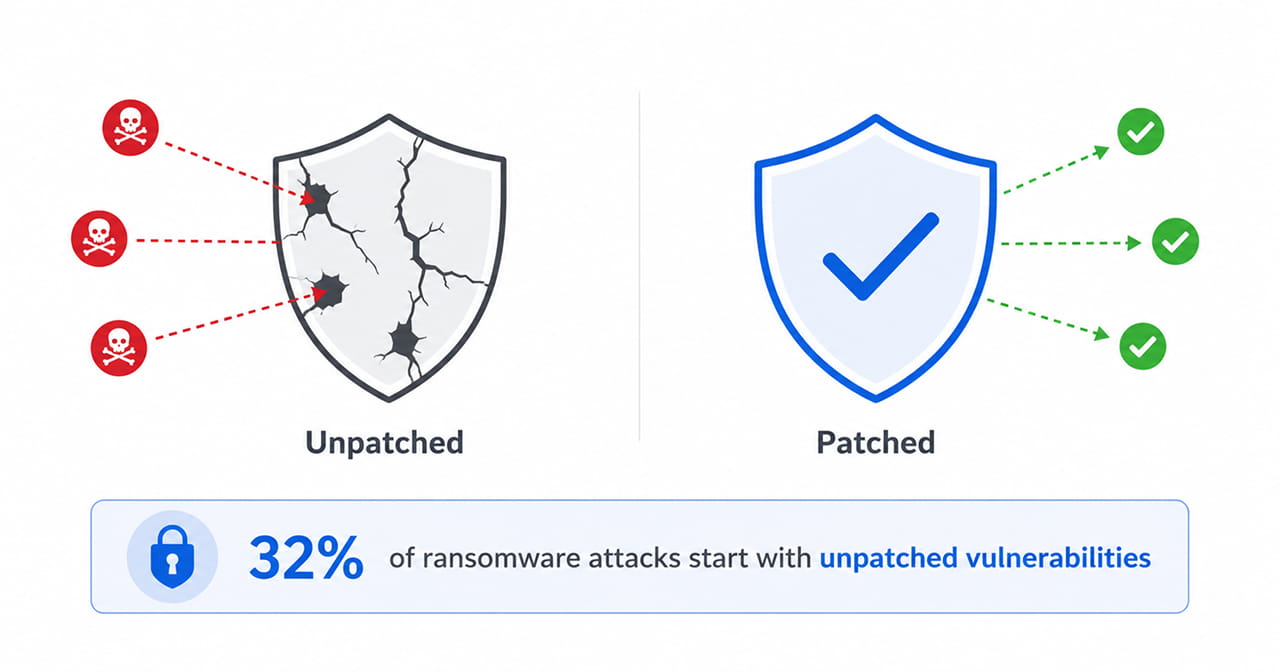
Every CMS, plugin, and third-party integration on your site is a piece of software that occasionally needs updating — and every update you skip is a known weakness sitting in plain sight. This isn’t a hypothetical risk.
The Sophos State of Ransomware 2025 report, based on a survey of thousands of organizations hit by ransomware, found that exploited vulnerabilities were the leading root cause of attacks for the third year running, responsible for 32 percent of incidents overall — and in many of those cases, a patch for the exploited flaw had already existed long before the attack happened.
A recurring patch schedule, checked monthly at minimum, closes exactly this kind of gap before it becomes an incident report.
2. Test Load Speed the Way a Mobile Visitor Actually Experiences It
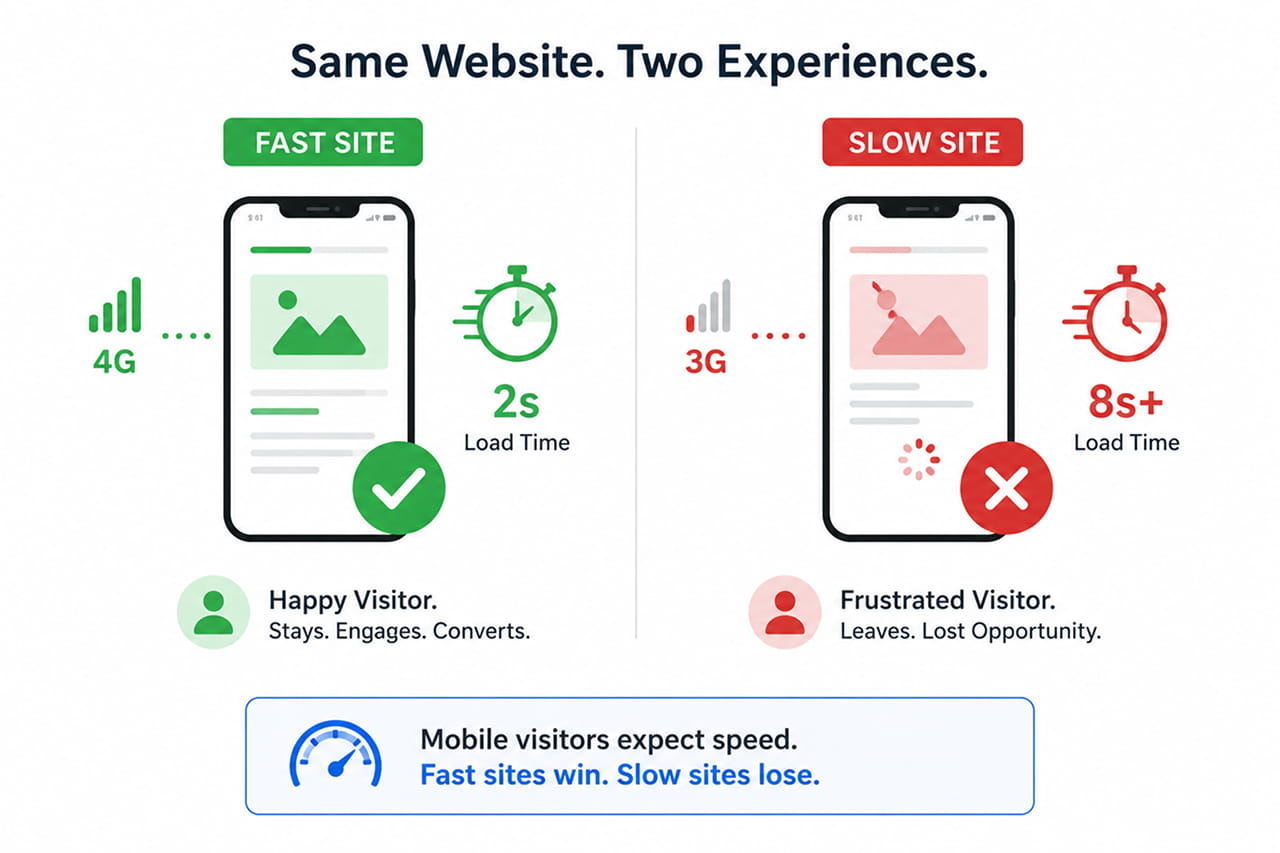
Mobile traffic isn’t a secondary audience anymore — it’s most of your audience. Statista’s tracking of global web traffic shows mobile devices accounting for over half of all website traffic worldwide as of early 2026, and other industry benchmarks put the figure closer to 60 percent depending on the market.
Yet most maintenance checks still happen on fast office Wi-Fi and modern laptops, which hides exactly the performance problems mobile visitors run into. Regularly testing load speed on an actual mobile connection, along with keeping images optimized and code clean, is where technical maintenance and website development services earn their keep — a slow site doesn’t just frustrate visitors, it quietly loses them before they see anything else you’ve built.
3. Refresh and Fact-Check Content on a Set Cycle
Outdated content is one of the easiest problems to fix and one of the most commonly ignored. Research cited by Moneyzine found that roughly 25 percent of small business websites are updated less than once a year — meaning a quarter of businesses are leaving discontinued offers, outdated pricing, and stale statistics live on their site for months or years at a stretch.
Search engines notice this too. Content that’s never revisited tends to lose rankings to newer, more current pages over time, even if it once performed well. Reviewing top-performing pages on a quarterly cycle, updating statistics and offers, and retiring anything no longer accurate is core maintenance work — and it overlaps directly with ongoing SEO services, since content freshness is one of the more overlooked ranking factors businesses tend to deprioritize once the initial launch excitement fades.
4. Audit Design and User Experience Periodically, Not Just at Launch
Design isn’t a one-time decision either. Trends shift, browsers change, and a layout that felt modern two years ago can start to look dated without a single line of content changing. This matters more than it might seem — research summarized by Linearity found that 88 percent of online consumers are less likely to return to a website after a bad experience, and a similar share say they’d choose a competitor instead.
A periodic design and usability audit — checking navigation clarity, mobile layouts, and whether the visual identity still matches the brand — catches this kind of quiet decline before visitors start comparing your site unfavorably to competitors. This is exactly the recurring value that ongoing website design services provide beyond the original build: keeping the experience current instead of letting it slowly age in place.
5. Check for Broken Links and 404 Errors
Links break quietly. A partner site restructures its URLs, a product page gets removed, an internal link points to a page that no longer exists — and visitors who click through land on a dead end instead of the content they expected. Running a broken-link scan monthly catches these before they accumulate into a site full of small dead ends that erode both user trust and search visibility.
6. Verify Backups and Recovery Plans Actually Work
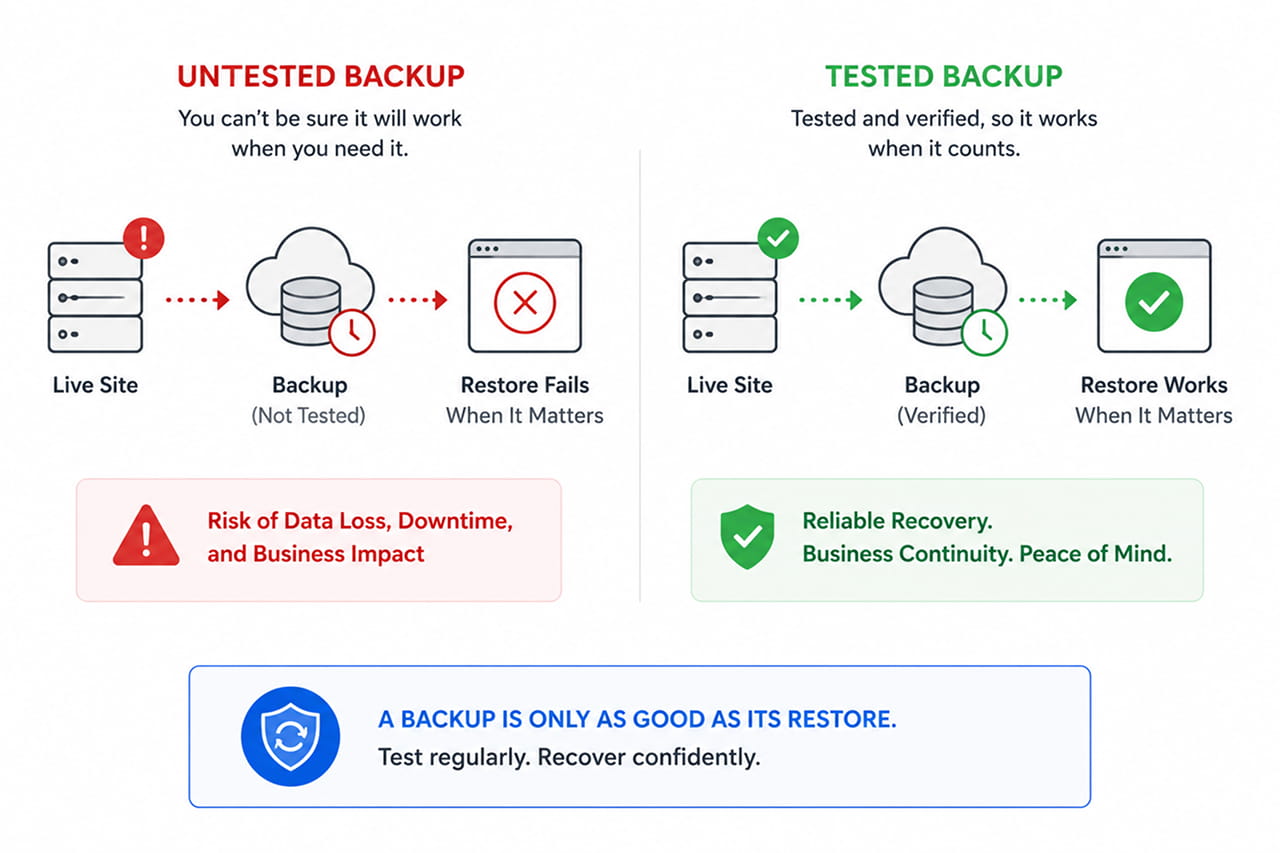
A backup that’s never been tested is a backup you can’t fully trust. Confirm that backups are running on schedule, stored somewhere separate from the live site, and — critically — that a full restore actually works when tested. The worst time to discover a backup is corrupted or incomplete is during an actual outage or security incident, when there’s no time left to fix it.
7. Review Analytics and Search Performance Monthly
Traffic drops, ranking losses, and rising bounce rates are all early warning signs — but only if someone is actually watching for them. A monthly review of analytics and search console data turns maintenance from a reactive scramble into a proactive habit, catching a ranking slide or a sudden spike in exits while there’s still time to investigate and fix the cause.
Maintenance Is a Habit, Not a One-Time Project
None of these seven items are complicated in isolation. What trips businesses up is treating maintenance as a task to revisit “eventually” rather than a recurring habit built into how the site is run — which is exactly how a site ends up among that 82 percent sitting quietly out of date.
Ready to see how your website measures up against this checklist? Reach out through our contact form and we’ll run through it with you, security, speed, content, and design, and show you exactly where your site needs attention before it costs you traffic or leads.