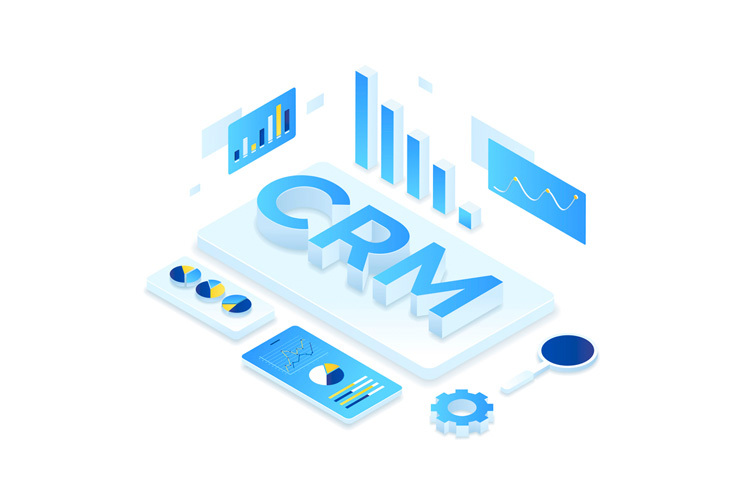
Choosing the right CRM for Google Workspace can turn your Gmail inbox and shared files into a proper system for winning and keeping customers. Many companies today have their own digital workspace and Google Workspace is common. If your company uses Google Workspace too, you must be already using its benefits like Google Drive, Google Docs, Gmail, etc. Google Workspace is also very good for creating, organizing and publishing various marketing materials, including CRM.
A Customer Relationship Management (CRM) platform is a way to organize and analyze customer data that helps you understand your customer better – insights that can change your marketing game.
Why Use a CRM for Google Workspace?
With so many advantages offered by Google Workspace CRM, you should definitely use it for your online marketing.
One of the advantages of using CRM for your marketing game is to learn about your audience in-depth. With the user’s data, you can analyze them to find out what your audience is doing on your website, what they look at, where they are satisfied, or what they want.
Once you know what your website’s users or audience is looking for, you can plan effective marketing campaigns and provide superior customer service.
Google Workspace doesn’t include a CRM of its own, but many CRMs connect to it, so your emails, calendar and contacts stay in sync.
3 Features to Look for in a CRM for Google Workspace
If you are in search of an ideal solution as a CRM solution, then Nutshell should be your go-to CRM. Here’s why.
- Nutshell offers sales automation
Nutshell might be an effective CRM solution, but nobody wants to keep repeating the same tasks manually, which takes a lot of time. But time management in Nutshell is satisfactory because you will have a lot of sales automation features. With sales automation features, you can get rid of repeated tasks and spend more time planning effective campaigns.

Some of the stuff that includes automation is sending out emails as a response to certain user actions. These emails must be composed prior. Actions like these ensure that you don’t have to spend time sending out emails to help users with the same response throughout the day.
- Nutshell is easy to use
CRM solutions aren’t the most user-friendly tools out there, which is why Nutshell is designed for user-friendliness. With Nutshell, users are not overwhelmed even at a first impressions. Starting from the dashboard to all the navigation, everything in Nutshell is clean and organized.
With Nutshell, marketers can keep track of their marketing leads at various stages of the sales funnel. You can organize the prospects in tabs like ‘People,’ ‘Leads,’ and ‘Companies.’ With an in-built predictive search feature, you can also use Nutshell to search for prospects to find a specific client.
- Nutshell easily integrates with Google Workspace
Your CRM needs to be compatible with your Google Workspace, and thankfully, Nutshell goes well with Google Workspace. Not only can you easily synch up Nutshell with Google Workspace, but you can also import data from Google Workspace quite easily.
If you want to use Nutshell’s features in Google Workspace, you can do just that as well. For instance, if you want to use Nutshell’s email automation in Google Workspace, you can easily do that. There are also other features that will be available for Workspace through Nutshell.
Off-the-Shelf or Custom CRM for Google Workspace?
Ready-made CRMs like Nutshell work well for many small teams. But if your sales process is unusual, or you need your CRM to connect with your website, billing or other tools, a custom CRM built around how your business works can be the better long-term choice. It connects with Google Workspace the same way, without paying for features you never use.
Conclusion
A good CRM for Google Workspace should automate repetitive work, be easy for your team to use, and sync smoothly with Gmail and Calendar. Ready-made tools suit many small teams, while a custom CRM makes sense when your process doesn’t fit a standard product.
Call Adroitte
Contact us to discuss your digital marketing requirement. Call us today on +917760487777 or 08041127377 or message us on our contact form and we will reply back ASAP. We can discuss how we can strategically digital marketing for your organization.